Staff policy questions
Give employees an assistant that answers from the published staff handbook. Attach the policy collection, share the assistant with the workforce, and let HR maintain the collection as policies change.

An assistant for staff policy questions needs a different set of documents from one used by finance or technical support. The knowledge it can search and the people who can use it need to be considered together. In OnVeris you choose the knowledge bases attached to each assistant and set its access list - everyone who can use that assistant can search those knowledge bases through it. Build the document collections and the assistant's audience together, so the combination fits the task.
Create knowledge bases around subjects, departments or defined services. A staff handbook collection might hold leave, expenses and conduct policies; a technical support collection could hold product manuals and troubleshooting procedures. Upload the usual formats - PDF, Word, Excel, PowerPoint, HTML and Markdown. OnVeris converts the content into searchable passages and indexes it with an embedding model running on a Node. Give each collection a clear description and decide who can manage it. Focused collections make it easier to review what an assistant can see and to test whether questions retrieve useful passages.
OnVeris provides controls across user accounts, knowledge bases, assistants and the API. Configure them around the task and the level of access you intend to provide.
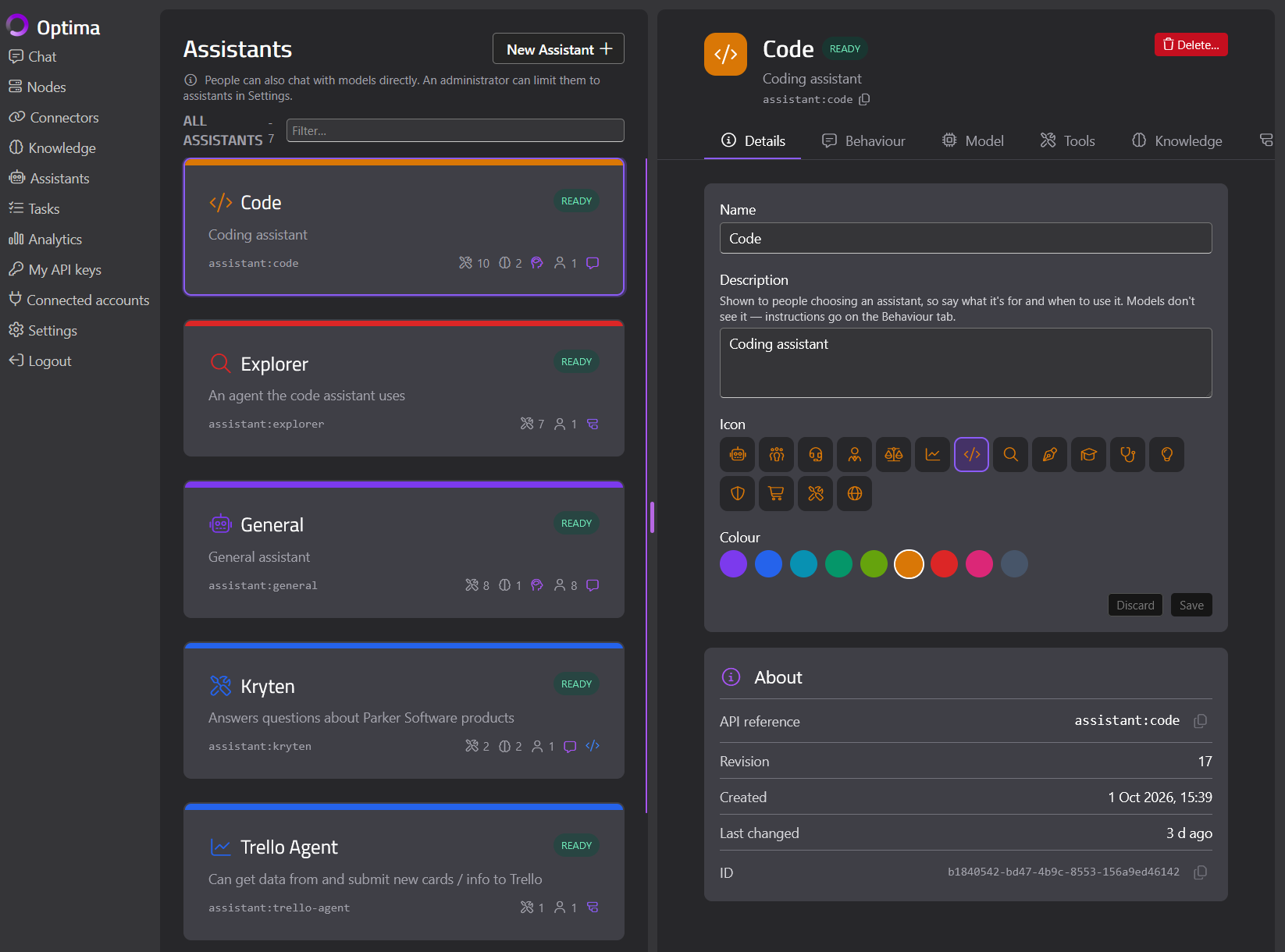
Staff ask questions in their own words. OnVeris retrieves the passages that match the meaning of the question and gives them to the model as context - the approach commonly called retrieval augmented generation, or RAG. An assistant can search its knowledge bases when needed, or have relevant passages added automatically before it answers. Instructions cover the job itself, including what the assistant should do when the documents don't cover a question. Administrators can try searches directly, inspect the passages and match scores, and adjust retrieval thresholds. Testing the source passages alongside the answers is how you improve an assistant before wider use.
Give employees an assistant that answers from the published staff handbook. Attach the policy collection, share the assistant with the workforce, and let HR maintain the collection as policies change.
Point the service desk at an assistant built from runbooks, setup guides and troubleshooting documents, and test it against the questions the team gets most often.
Help a customer service team find answers in approved product guides and service procedures. Where teams need different information or instructions, give them separate assistants or collections.
Update document collections as the business changes - add new files, remove superseded documents, and rebuild an index when retrieval settings or the embedding model need to change. Review the people and service keys that can use each assistant, and every knowledge base it can reach. Test the experience with a typical staff account as well as an administrator account, including questions outside the intended subject area.
Some questions need current information from a business system. Add connector tools where an assistant needs to retrieve those records, and review the credentials and access settings alongside its document knowledge. Authentication depends on the connector and service - a connection may use an individual user's sign-in or configured shared credentials. OnVeris provides the settings your team needs to configure each connection.
Explore Business System Connectors →Choose a document collection and a team that would benefit from using it through AI. We can show how knowledge bases, assistant sharing and user permissions fit together in OnVeris, then talk through a configuration for your organisation.
Defining which information AI can use, who can access it through assistants or applications, and who manages those settings. In OnVeris, that involves knowledge bases, user permissions, assistant access and API keys.
Yes - create collections for particular subjects or departments, attach the right ones to each assistant, and share each assistant with its intended users. Note that access to an assistant includes access to its attached knowledge through that assistant.
Uploaded documents use the knowledge base and assistant access settings configured in OnVeris. Live connector access depends on the service, authentication method and configured credentials. Review both when deciding which information to make available to a team.
Yes - enable API availability for the assistant and configure access for the relevant user or service key. The calling application can then use that assistant through the OnVeris API, with the knowledge and tools attached to it.
Try representative questions in the knowledge base Search tab and inspect the retrieved passages and scores. Then test those questions through the assistant. Review questions the documents do not answer as part of the same process.