Choose models and hardware around the work
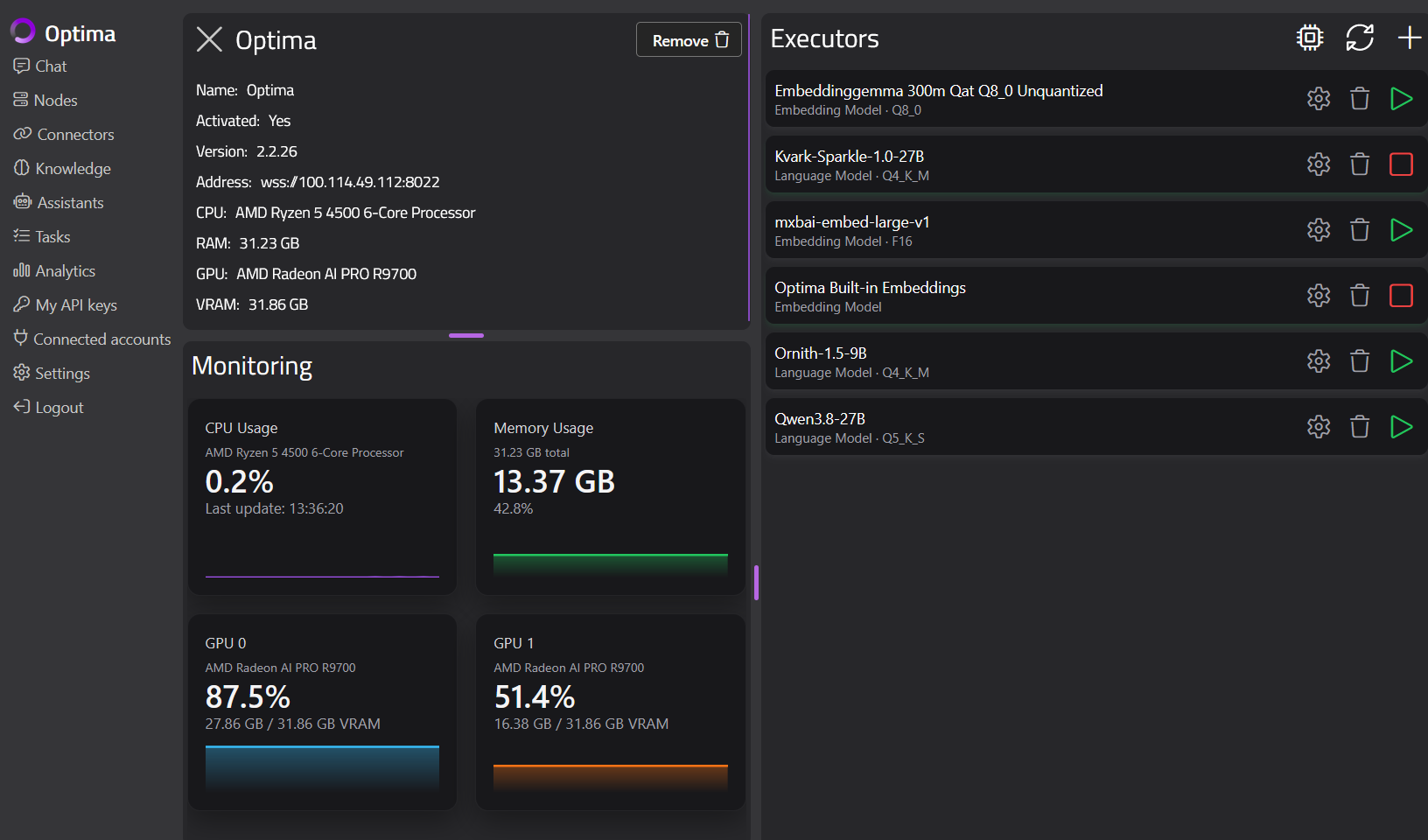
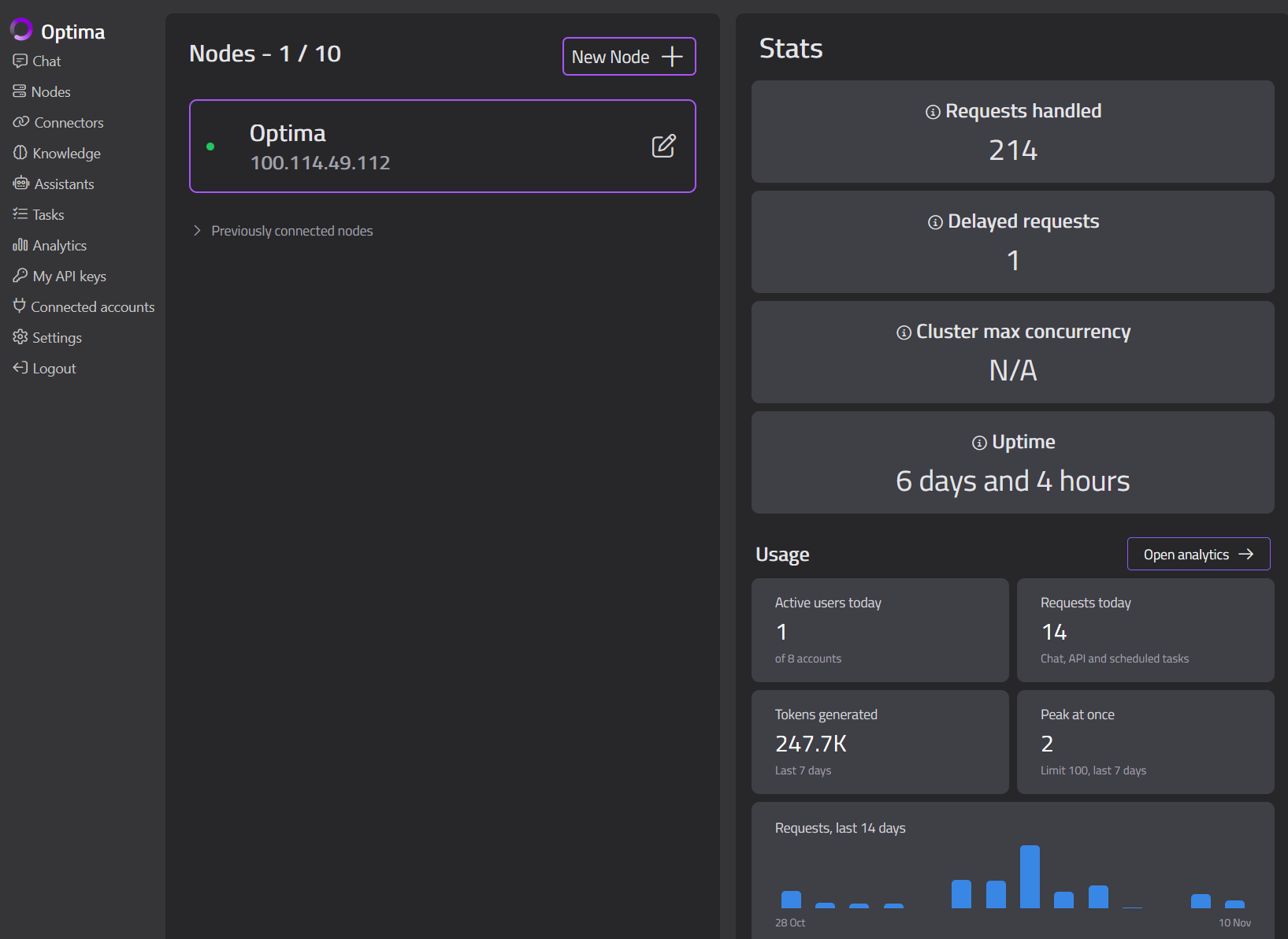
Start from the tasks you want AI to handle. Answering from a policy collection, drafting a response and working through a long technical document each place different demands on a model - model size, context length, GPU memory and the number of concurrent requests all move performance. CPU inference works, but for production workloads we recommend GPU acceleration. Before you commit to hardware, run representative questions and documents through it and check both quality and speed. Models can be assigned to particular assistants, with fallback models where appropriate. Gateway monitoring and analytics then show you model activity, response times, failures and demand as usage grows.
Put private AI in front of staff
Staff use OnVeris Chat in a browser, on desktop or on mobile. An administrator builds assistants for particular tasks - model, instructions, and the people who get access. For applications, the OpenAI-compatible API takes configured API keys, so developers can connect supported software to your deployment and make specific assistants available inside existing workflows.
Bring company knowledge into the deployment
Build knowledge bases from policies, product manuals and internal procedures. A locally hosted embedding model indexes the content, and assistants can pull in relevant passages when answering. Knowledge access is configured alongside assistant sharing, so you decide which collections each assistant can use and who can use that assistant.
Governed AI Knowledge Access →Start with one useful deployment
The first rollout is a chance to assess the environment and the user experience with real work. A good starting point: one defined assistant, one document collection, and the group of staff who'll use it.
- Choose the environment. Decide where the Gateway and Nodes will run, who manages them, and how users connect.
- Test a model against real tasks. Run representative work through it to check hardware capacity, answer quality and response times.
- Configure the assistant and its access. Set the instructions, knowledge and tools, then share it with the intended users.
- Review, then extend. Feedback and Gateway analytics will tell you when it's time to add knowledge, assistants, models or capacity.
Plan your private AI deployment with Parker Software
Tell us where you want AI to run, what it should do for your team, and which information it should use. We'll demonstrate the platform and talk through the infrastructure and configuration your deployment would need.